Introduction
What Terox is, what it does, and when to reach for it.
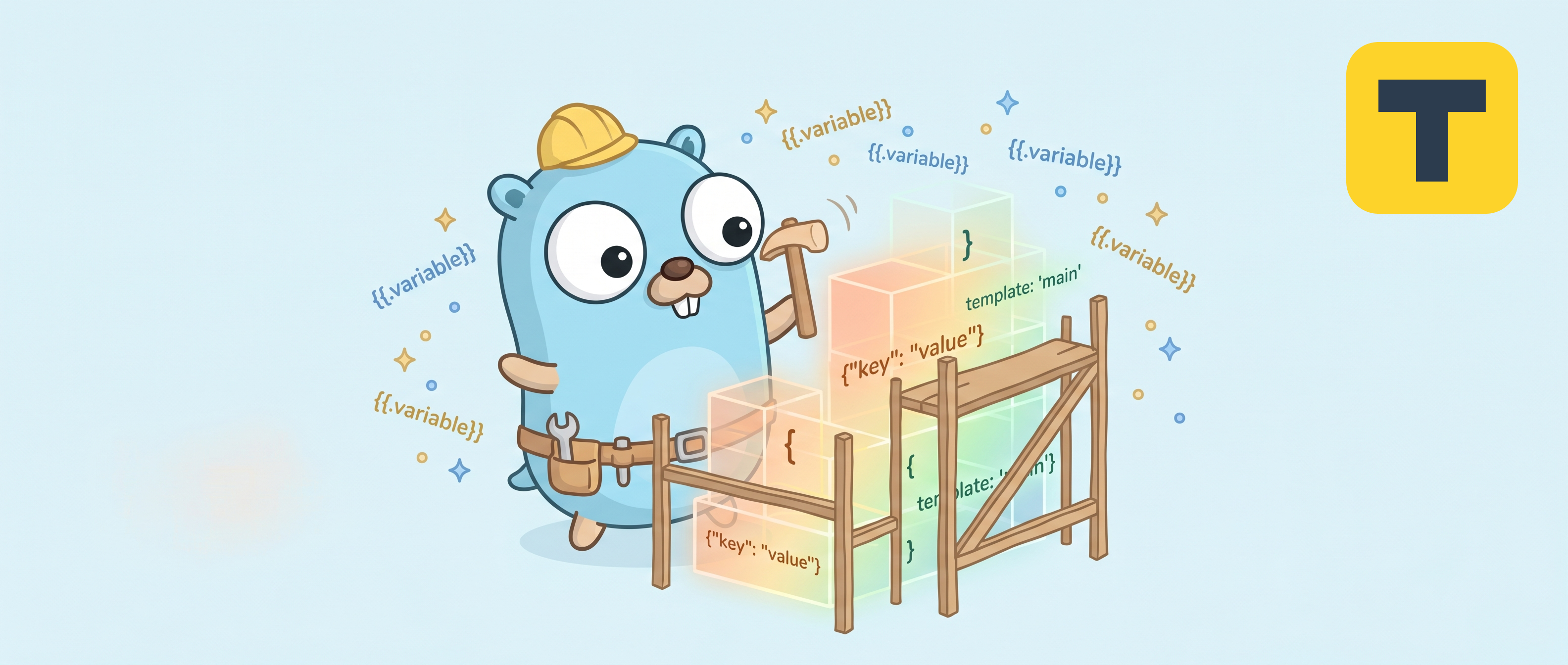
Terox is a small command-line tool for scaffolding new projects from templates. You point it at a template — either a folder on your machine or a public GitHub repository — answer a few prompts, and Terox renders a ready-to-edit project into the output folder of your choice.
It ships as a single Go binary, so it works on Linux, macOS and Windows without requiring a language runtime on the target machine.
What you can do with it
- Turn a recurring project setup (your team's Nuxt starter, an internal service skeleton, an assignment template) into a one-command operation.
- Render variables into both file contents and directory or file names,
using Go
text/templatesyntax. - Run the same scaffolding non-interactively in CI by providing values via flags.
- Use any public GitHub repository as a template, even one that does not yet know it is a template — Terox will simply copy the files as-is when no manifest is present.
What it does not do (yet)
- Authenticate to private repositories or GitHub Enterprise. Public repositories only, for now.
- Update an already-scaffolded project when its upstream template changes.
- Run pre- or post-generation hooks.
When to use something else
If one of the following sounds closer to your situation, those tools are likely a better fit and we recommend them happily:
- A vast ecosystem of community templates already covers your stack → Cookiecutter.
- You need to keep scaffolded projects in sync with evolving organisational standards → copier.
- You want in-project component generation (
scaffold add controller,scaffold add page) alongside project bootstrapping → hay-kot/scaffold. - You only need the official starter for one framework →
nuxi init,create-vue,create-next-app, and friends.
Terox aims to be a comfortable middle ground: a tiny, dependency-free Go binary that treats local folders and GitHub repositories as equal citizens and gets out of your way.